How To: Activate a license with the Wibu cmu tool
The following describes how to activate a local license using the Wibu cmu tool. This is only possible for products that use the CmRuntime implementation.
Note
Products that use the CmEmbedded implementation cannot be licensed in this way.
Determine the container serial number and the firm code on the device to be licensed.
$ cmu -x

cmu - CodeMeter Universal Support Tool.
Version 8.40b of 2025-Nov-26 (Build 7131) for Linux
Copyright (C) 2007-2025 by WIBU-SYSTEMS AG. All rights reserved.

- CmContainer with Serial Number 130-861410937-314744622 and version 3.00 (empty)
  Version:            3.00
  Features, Field Update:
    [...]
  License Content:
  * FC=0
    Name: CODESYS GmbH UFC CmRuntime
            * PC=0 (Ref=16)
  * FC=6000437 (Reserved FI)
    Name:
The firm code in this example is 6000437 and the container serial number is 130-861410937-314744622.
Create the context file for the container.
$ cmu --context 6000437 --serial 130-861410937-314744622 --file container.WibuCmRaC
The context file
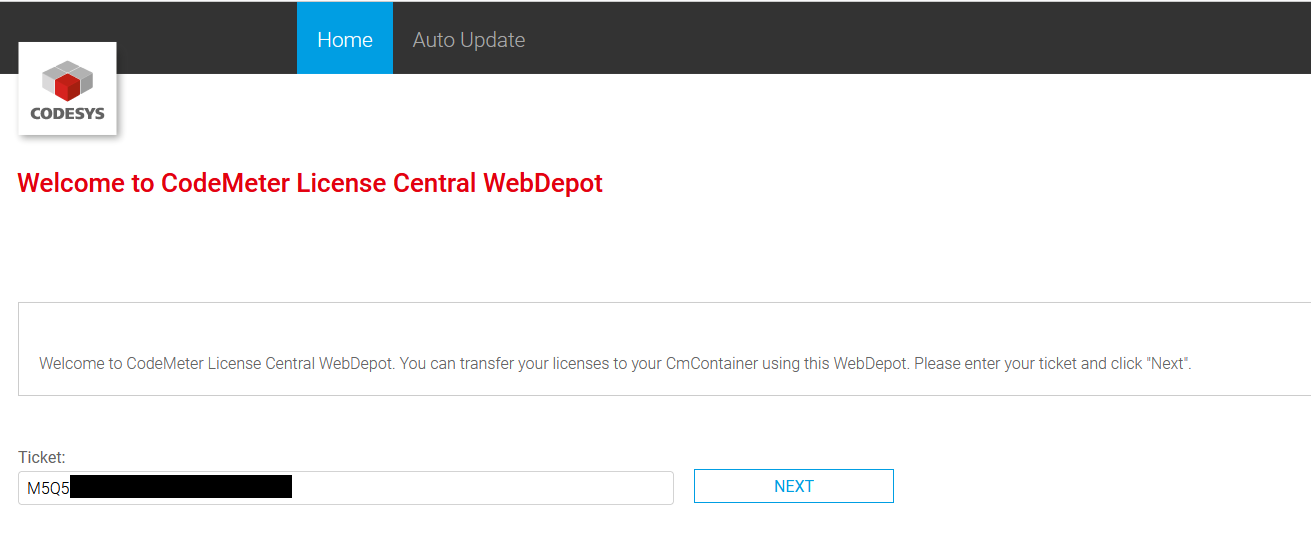
container.WibuCmRaCis created.Open the CodeMeter License Central WebDepot and specify the ticket to be activated.
Select
CmActLicensewith ID 2001 and firm code 6000437.
The following page lists the licenses available in the ticket.
On the bottom right side, click
File-based license transfer.
On the next page, select the previously created context file.

Click
START ACTIVATION NOW.Download the license activation file (
*.WibuCmRaU).Load the license activation file to the device to be licensed.
Import the license activation file:
$ cmu --import --file 130-861410937.WibuCmRaU
The licenses have now been installed on the controller. For support requests, it is necessary however that you also complete the following steps and submit a receipt.
Create a context file again for the same container.
$ cmu --context 6000437 --serial 130-861410937-314744622 --file container_Receipt.WibuCmRaC
In the CodeMeter License Central WebDepot, click
Upload Receipt.
The licensing process is now complete.