Saving Passwords
To simplify passwords for many different devices, the Deploy Tool version 4.21.0.0 and higher supports the saving of passwords using the CODESYS Password Manager.
Initial setup of the password manager
Click the Tools → Deploy Control SL command.
On the Communication tab, click the
 button and select the Open the Password Manager command.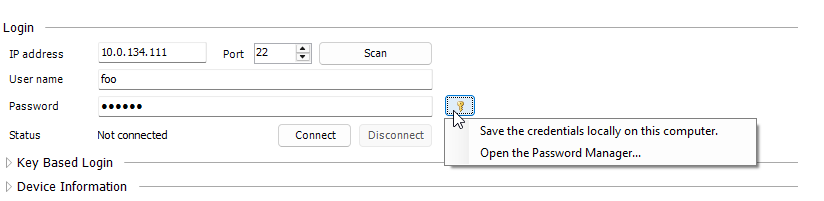
If you have not yet set a master password, then you will be prompted to do it. Then the password manager will open. It is empty at first.
Close the password manager and specify the connection details (including password) for the current device.
Click the
button and select the Save the credentials locally on this computer command.When you reopen the password manager, you will see the saved connection details.
Using saved credentials
Enter the IP address and user name of the device you want to connect to.
Click the
button. The Use the stored credentials for 'foo' option will be displayed: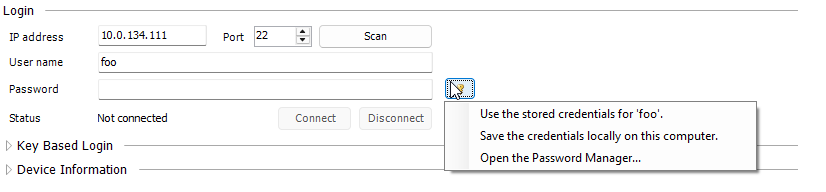
When you select this option, the password will be filled in.